
Screenshots
App details
- Updated
- May 4, 2006
- Language
- English
- Category
- Mobile
SoftPas in:
This product is also available in the following languages:
About Msn Buddy Icons
Download Msn Buddy Icons – msn buddy icons, msn messenger, 3d icons, status icons, instant messaging
Overview
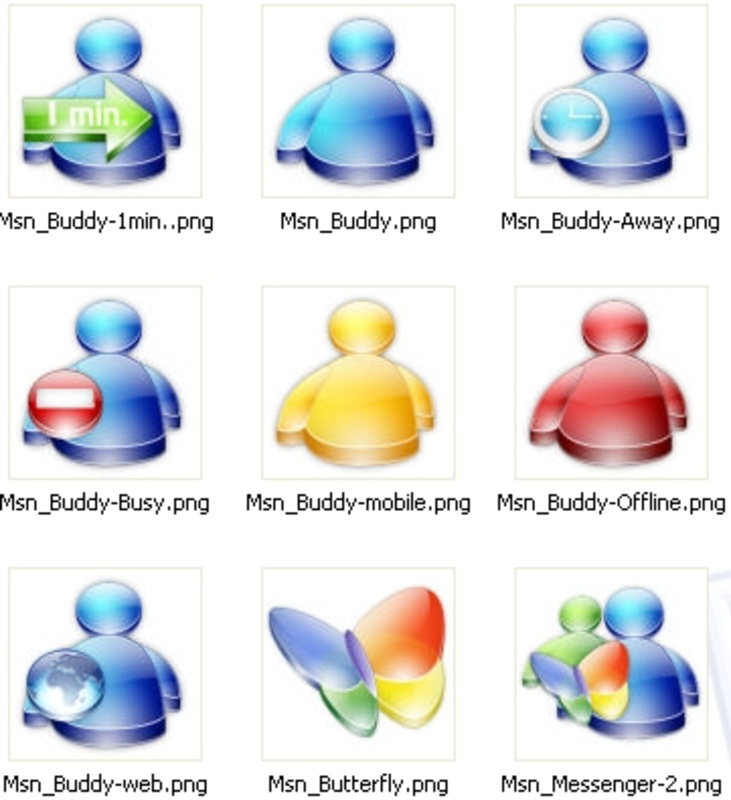
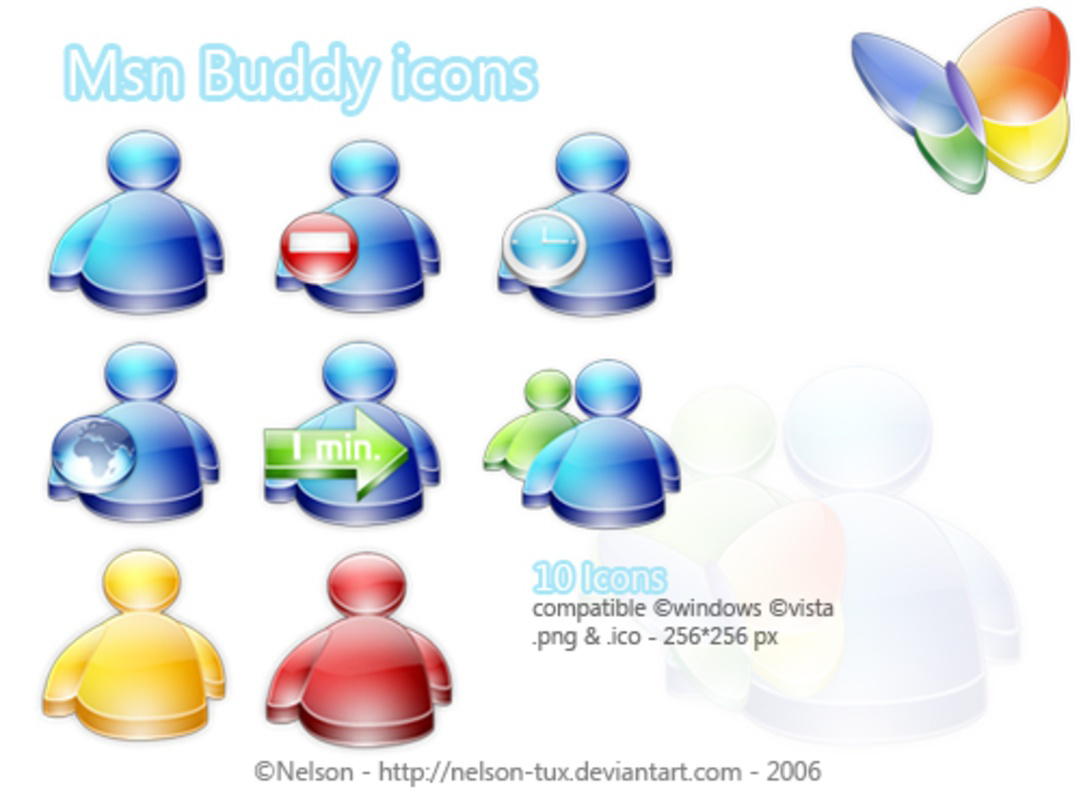
The Msn Buddy Icons collection offers a specialized visual enhancement for users of MSN Messenger, providing a curated set of ten 256x256 pixel icons designed with a 3D aesthetic. These icons are intended to represent various user statuses within the instant messaging environment, enabling users to communicate their availability at a glance. The application serves as a utility tool that enhances digital communication by adding a layer of visual clarity and personal expression to online interactions. While primarily used as avatars within MSN Messenger, the icons can also be repurposed as folder labels, extending their utility beyond chat interfaces.
Target users include individuals who value personalized digital identities and those seeking to improve the visual experience of their messaging platform. The app is particularly relevant for users during the early 2000s era of MSN Messenger, where visual customization played a significant role in user engagement. The developer did not provide additional technical details about the background or history of the project, but the tool’s existence reflects a niche demand for aesthetic customization in early instant messaging ecosystems.
Real-world use cases include enhancing user presence in chat sessions, organizing digital workspaces with labeled folders, and expressing personal style through consistent visual themes. In the broader app ecosystem, Msn Buddy Icons represents a lightweight utility that supports user-centric design principles, offering a simple yet meaningful way to personalize digital communication.
Key Features & Functionality
- High-Quality 3D Design: Each icon is crafted in 3D, providing depth and visual appeal that stand out in the MSN Messenger interface. This design quality enhances the overall aesthetic of the messaging platform, contributing to a more engaging user experience.
- Diverse Status Representation: The collection includes icons that correspond to different statuses available in MSN Messenger, such as available, away, busy, and offline. This allows users to signal their current availability without verbal communication.
- Flexible Usage Across Applications: Users can apply the icons not only as avatars in MSN Messenger but also as labels for folders on their desktop or within file management systems, increasing their functional versatility.
- Standardized 256x256 Pixel Resolution: The consistent size ensures compatibility with various software versions and screen resolutions, supporting seamless integration without distortion or scaling issues.
- Simple Download and Integration: The app is designed for straightforward access and use. Users can download the icon set quickly and apply it to their preferred application with minimal technical effort.
For example, a user working remotely might use the "Busy" 3D icon as their MSN avatar to signal unavailability during deep work sessions. Simultaneously, they could use the "Available" icon to label a project folder, creating a visual cue for team members. This dual-purpose functionality supports both personal and professional digital communication needs.
Interface, UX & Performance
The Msn Buddy Icons application does not include a traditional user interface, as it functions as a static icon collection rather than an interactive tool. Users access the icons through a file package, which they manually apply to their MSN Messenger profile or system folders. The visual style is consistent across all icons, featuring a 3D rendering that emphasizes clarity and modernity for its time.
Navigating the collection involves selecting and assigning icons through external software, which may vary depending on the user’s system configuration. The lack of an in-app interface means that usability relies heavily on user familiarity with file management and application customization. Although the developer did not list formal performance metrics, the small file size of 300 KB suggests minimal impact on system resources.
Responsiveness and stability are not affected by the app’s lightweight nature, as it does not run in the background or require real-time processing. However, compatibility with modern systems may be limited due to the app’s age and platform-specific design. Users on current Windows versions may need to verify whether MSN Messenger remains supported or if alternative tools are required for icon integration.
Platform Compatibility & Technical Requirements
Msn Buddy Icons is designed for the Windows platform and was released on May 4, 2006. The software version is 1.0, with a file size of 300 KB. The developer did not specify minimum OS requirements or compatibility details for newer Windows versions. Given the age of the release, it is likely intended for older Windows operating systems such as Windows XP or Windows Vista.
Users should be aware that MSN Messenger itself is no longer supported by Microsoft, which may affect the ability to use these icons in modern environments. The application’s compatibility with current systems is uncertain, and users may need to use legacy software or emulated environments to access the full functionality. The developer did not provide additional technical specifications, such as processor or RAM requirements.
Pros and Cons
Pros
- Lightweight file size of 300 KB, ensuring quick download and minimal storage impact.
- High-quality 3D design that enhances visual appeal in MSN Messenger and file systems.
- Flexible use as both avatars and folder icons, supporting multiple personalization needs.
- Free to download and use, making it accessible to a broad audience.
- Standardized 256x256 pixel resolution ensures compatibility with older MSN Messenger versions.
Cons
- Not compatible with modern operating systems due to age and platform limitations.
- No official support or updates since 2006, limiting long-term usability.
- Requires manual setup and knowledge of file management for integration.
- Dependent on the outdated MSN Messenger platform, which is no longer functional.
- Developer did not provide detailed technical requirements or installation guides.
FAQ
Is Msn Buddy Icons compatible with Windows 10 or 11?
Compatibility with Windows 10 or 11 is uncertain. The app was released in 2006 for older Windows systems and may not function properly without legacy software or emulation.
Can I use these icons on other messaging platforms?
The icons are designed specifically for MSN Messenger. While the file format may allow manual use on other platforms, they are not officially supported or optimized for alternative instant messaging services.
Is the app safe to download?
The app is free and available from trusted sources. As with any downloadable file, users should ensure they obtain it from reputable websites to avoid potential risks.
Do I need to install the app to use the icons?
No installation is required. The icons are provided as a file package that users can extract and apply manually to their system or MSN Messenger profile.
Are there updates available for Msn Buddy Icons?
There are no known updates since the app’s release in 2006. The developer has not released any new versions or patches.
Final Thoughts + CTA
Msn Buddy Icons remains a nostalgic and functional tool for users who still engage with MSN Messenger or maintain retro digital environments. While its relevance is limited by the platform’s discontinuation, the collection offers a glimpse into the early days of personalized digital communication. Its 3D design, versatility, and free availability make it a valuable resource for enthusiasts and collectors of vintage software.
For those seeking to enhance their MSN Messenger experience with stylish, high-quality icons, this tool delivers on its promise. The ability to use the icons as both avatars and folder labels adds practical value beyond mere aesthetics. Despite its age, the app continues to serve a niche audience that values visual customization and digital heritage.
Download Msn Buddy Icons now
Guides & Tutorials
How to install Msn Buddy Icons
- Click the Download button above.
- Once redirected, accept the terms and click Install.
- Wait for the Msn Buddy Icons download to finish on your device.
How to use Msn Buddy Icons
This software is primarily used for its core features described above. Open the app after installation to explore its capabilities.
User Reviews
No reviews yet. Be the first to share your experience.
You may also like
more
Que no te pillen¡
About !Que no te pillen¡Reviewed by Jason A. BilbreyShow MoreShow Less

3D Combat Zone
About 3D Combat ZoneOriginally released in 1983, 3D Combat Zone immerses players...

666: El día del portal
About 666: El día del portalOn June 6, 2006, Agent P. Stone uncovers a sinister...

80 in 1 Best Flash games
About 80 in 1 Best Flash games 80 in 1 Best Flash games is a collection of 80 fl...

ABYSS SEEKERーーWhat Do You See Deep in The Abyss
About ABYSS SEEKERーーWhat Do You See Deep in The AbyssIn ABYSS SEEKER, players...

ACA NEOGEO THE KING OF FIGHTERS 2002 for Windows
About ACA NEOGEO THE KING OF FIGHTERS 2002 for WindowsTHE KING OF FIGHTERS 2002,...